Thursday, March 5, 2020

Peer Review

  During my AICE Media Studies class on March 2nd, I had the chance to review a different teams project. Our teacher had told us in advance and told us to be ready to peer review. She had us peer review to help one another. We would be constructive and help them to make their project better. I felt this was a good way to get opinions on what we had done and give opinions to help other groups. We were given a guideline in the form of a worksheet with different things to check off. This included whether the film was the correct length and whether it had the correct order of titles. The paper asked how the lighting and sound in the film was. Also, it made sure that each type of shots, angles, or movements was included. At the end, it also asked what we liked about the film, and what we would suggest to the group who made it.

  We gave our flash drive with our film to the person who was reviewing us and went to get the flash drive from the group that I’d be reviewing. However, they didn’t have any work at all to give me. They told me that they had been having problems with filming and editing. They also said that they couldn’t work since the person with the SD card with all their footage was absent. So, I went back to my group and we began checking ‘no’ on each requirement that they did not have. I also wrote a sentence or two about how the group had nothing for us to review. As for what they could improve on, they definitely need to work on their time management. They could have started filming sooner and had more time to edit. With better time management, they would have had a lot more completed. Which would have helped since they would have had a peer review to help give advice on what needs to be fixed.


Monday, March 2, 2020

Editing Blog

  Over the weekend, February 29 to March 1, I continued to work on editing the footage. I had checked out the SD card that I had used during filming in order to work on the project at home. I knew that I would most likely try to work on it at home, so I wanted to be ready to do so if needed. I was able to use IMovie as I did not have access to Pinnacle Studio. I had checked with my teacher in advance to ensure that doing so was allowed. I was worried about our time management due to issues with the editing software in class so I felt that it would be a good idea to work on it at home. I didn't want to fall too far behind considering we were already straying from our schedule that I had made. I was unfamiliar with using IMovie so I spent some time figuring out all the settings and options. I was able to figure out how to upload my footage and could begin working.

  I started by putting all my footage in the correct order while checking the order with my storyboard. I had also made sure I had that with me at all times, just in case it was needed. Then I began editing the footage down. The footage was well over two minutes so I had to cut a few shots. After it fit within the time, I worked on adding the titles, making sure to have them in the correct order. Using references to earlier blogs about the titles, I was able to make the titles look cohesive. I made sure that the title for who directed the project came last as I knew that it was important that that was the final title. I edited the lighting in certain scenes that were dark. Finally, I added the music and moved it till I liked where it began and stopped. I saved the film to the SD card so I could move it onto the school computers. With a bit of extra work at home, I was able to get back on my schedule.

Thursday, February 27, 2020

Editing Blog

  On Thursday, 27th in my AICE Media Studies class, I continued to edit my film. However, neither of my group mates had come to school that day. So, I ended up working on it alone for the class period. The night prior, I had spent some time sorting through the footage and finding the best shots. I put them all in a separate folder on my SD card so that I could easily move then to the school computers. As a result, I was able to save a lot of time since I didn’t have to waste class time to sort the footage. While I was sorting it, I also wrote down each scene and clip that I felt needed to be re shot. That way I could have the list with me when we plan to reshoot and ensure we don’t forget any scenes. I got on Pinnacle Studio, the editing software we use, and was able to continue editing right away in class without any problems. However, about halfway through the class the editing software stopped working. I tried closing the software and opening it again with no luck. I also tried to restart the computer, which also didn’t work.

  Since it was not working and I didn’t want to waste time, I began looking for music to use on my film. I searched up copyright free music and went on the website where I had found my music for a previous project. I began looking through the songs for one that I felt would fit with the film. I wanted a more suspenseful song that builds up over time. I soon stumbled upon a song that I felt was perfect. I copied the song link and put it in a mp3 converter online. This would allow me to put it in Pinnacle Studio with the footage. I also moved the file to the SD card in case something happened and I needed a backup. Right before class ended, I checked out a camera and tripod to use for the filming we had planned for that weekend.


Monday, February 24, 2020

Filming/Editing Blog

  During my AICE Media Studies class on February 21st, I began editing what we had filmed for the final task project. Since this was now our third project that we were doing in class, I felt confident that editing would go smoothly. I checked the camera and tripod in at the beginning of class and asked the teacher for a SD card reader. I used the SD card reader to connect the SD card that had all the footage on it. From there, I moved it all onto the computer and spent a while picking the ones that I felt were good enough to use. I also wrote a list of each scene that would need to be redone. This ensured that I wouldn’t forget to redo any scenes. After that was finished, I opened up the editing software that we use, Pinnacle Studio. Having had issues in the past, I allowed the software plenty of time to start up as it always took quite a while. Once open, I moved each piece of footage into the software and organized them from first to last. I started with cutting out anything that was not needed in order to fit the movie within the allotted time. From there, I continued to edit with my group mates for the remainder of the period.

  On February 23rd, I had planned to film again with my group mates in order to finish all the filming so that we had plenty of time to edit. One of the actors wasn’t available so we divided we would just film the scenes where the one actor was alone. We met up at our first location and began filming right away. As one of the camera women, I took turns filming with the other camera women. I also directed the scenes, changing small things that made the footage look better. We were able to finish all of the actors scenes where they were alone and had some time to begin reviewing the footage before we all left. Overall, I enjoyed filming the scenes. Especially since there were no issues.


Thursday, February 20, 2020

Filming Blog

 We had planned to film over the weekend from Friday 14th to Sunday 16th. However, ended up being unable to do so due to not having access to the cameras and tripods. Since we were unable to film over that weekend, I rescheduled our first day of filming. I decided on Thursday, February 20th, and made sure my fellow camera man and the actors were available. I planned out a time and the order in which the scenes would be filmed that would be most effective. This would help make up for lost time and keep us on track. I checked that everyone had a way to get to our locations and we were good to go. Learning from past mistakes, I decided that one member of my group should take the camera home the day before we film. This would ensure that it was charged and ready to film with. I checked out a camera for my team and my group mate took it home to charge it.

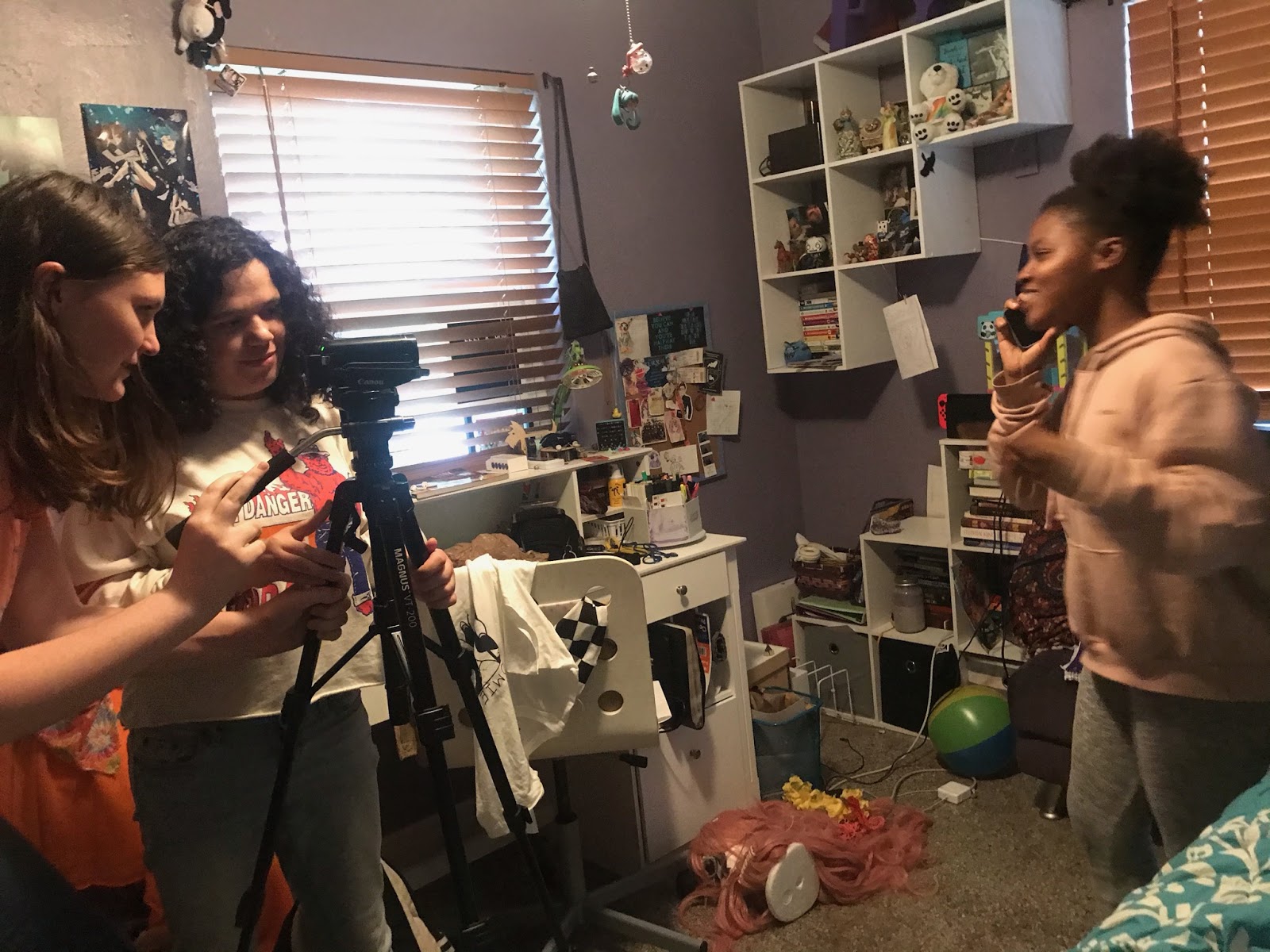
  On Thursday, the 20th, we were all ready to film. I met up with my group mates and one of my group mates drove us to our first location, which was her house. Once I was there with my group, I checked that the camera was fully charged and that there were no issues. Thankfully, it was charged and I was able to begin filming immediately. I made sure to have the schedule I had made for each scene with me during the entirety of filming. This allowed me to keep the group on track and easily see what was next. As for my roll in the filming process, I was both a cameraman and a director. I filmed most of the scenes while also ensuring the actor knew exactly what to do. This made the process easier and I could watch how the scenes would look through the camera. Therefore, I could change small details or mistakes with each scene and correct them so we got good shots. Overall, my first day of filming was successful and I had a lot of fun while filming as there were no issues.


Thursday, February 13, 2020

Planning: Storyboard

  In this blog there is an embedded Google Slides document. Just like the others, this google slide has my plans for the video. Though, this is the storyboard for it. An almost set in stone plan for it. Some things will change but mostly will stay the same. The plan for the movie is a girl is stalked online by a mysterious guy. He’s hacked through her computer and is stalking her social media. She made plans with her friends one night and he had heard. She gave away the location and unluckily for her, it was close. The figure drove to where she was and successfully kidnapped her. We had planned out the actors too but not where we could put the titles. We do, however, have an idea of where to put them.

Monday, February 10, 2020

Planning: Title Design

  This blog has a google slide embed into it. The slides contain information about the titles. This will help make editing them in easier to do because we have them planned out already. The plans for the appearance for the titles are white font with a blue outline. This will make it seem like a text message. We have also decided on using the closest thing we can find to message fonts. They will come in like a text message with the title name on the right and the name of the actor on the left. This will make it seem like it is being sent. It ties into our theme of the movie which is social media. The more important titles will be in a bigger font to catch the viewers eyes.